Your own customer portal,
organized for you and your clients
A branded hub that keeps every proposal, invoice, message, photo, and visit in one place — homeowners review, e-sign, pay deposits, and watch their job progress, while everything stays organized on your side too. Clients can also sign into the LightMaster mobile app (coming soon) with the same passwordless sign-in.
Why it works
Makes a one-truck operation look like an enterprise
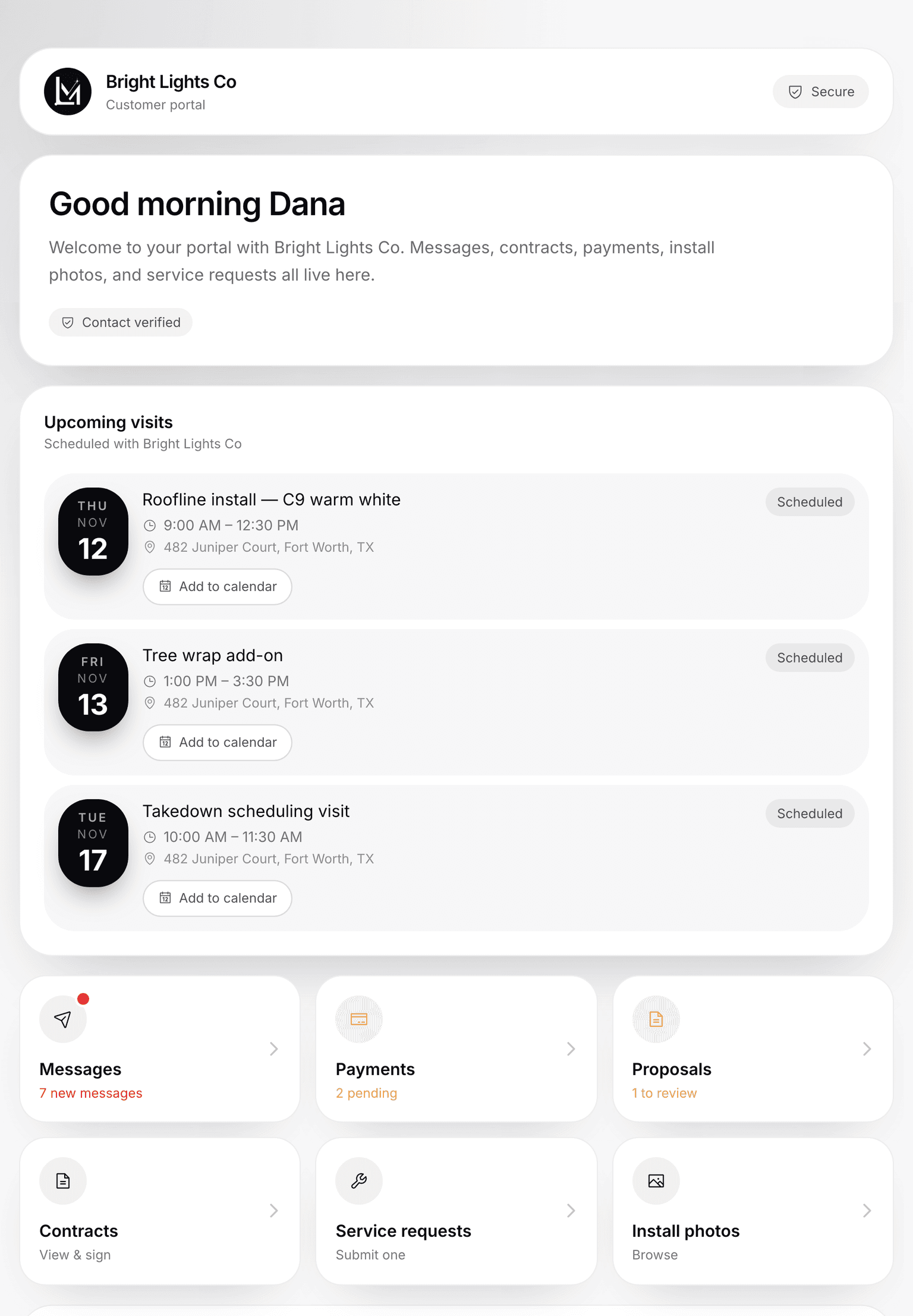
Each customer reaches a secure, company-branded web portal with a quick one-time code, then sees everything tied to them: messages, invoices, proposals, service requests, install photos, and upcoming visits. You toggle which sections appear, and the whole portal wears your logo, business name, and contact info. It stops the phone tag and lets homeowners approve and pay at 11pm.
They log in with a code, not a password
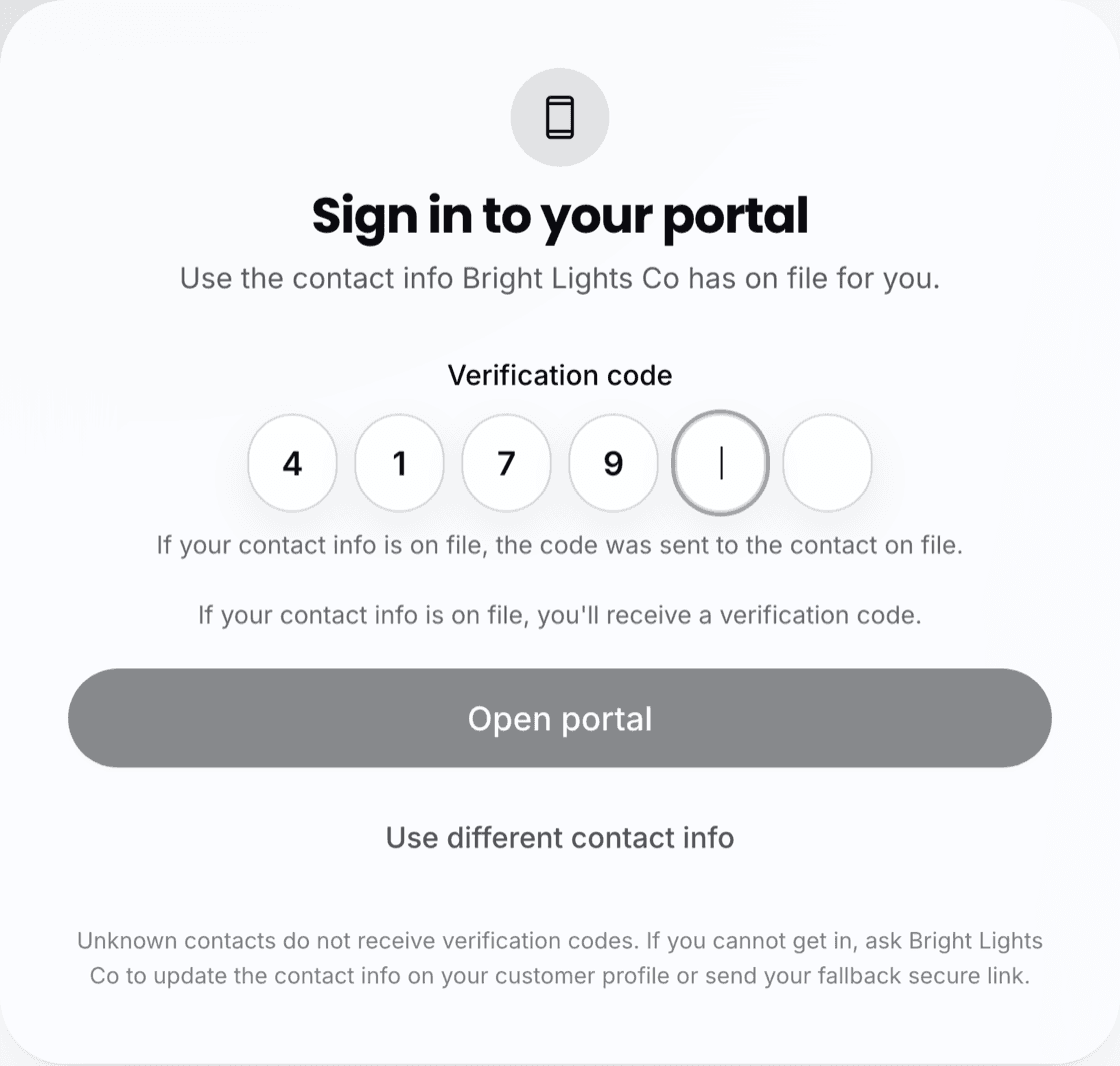
Customers verify with a 6-digit one-time code sent to the contact info on file — no passwords, no accounts. Unknown contacts never receive codes, and attempts are rate-limited to stop abuse — optionally screened with a bot check — so you can post one portal URL publicly without codes ever reaching strangers.
Accept, sign, and pay the deposit in one pass
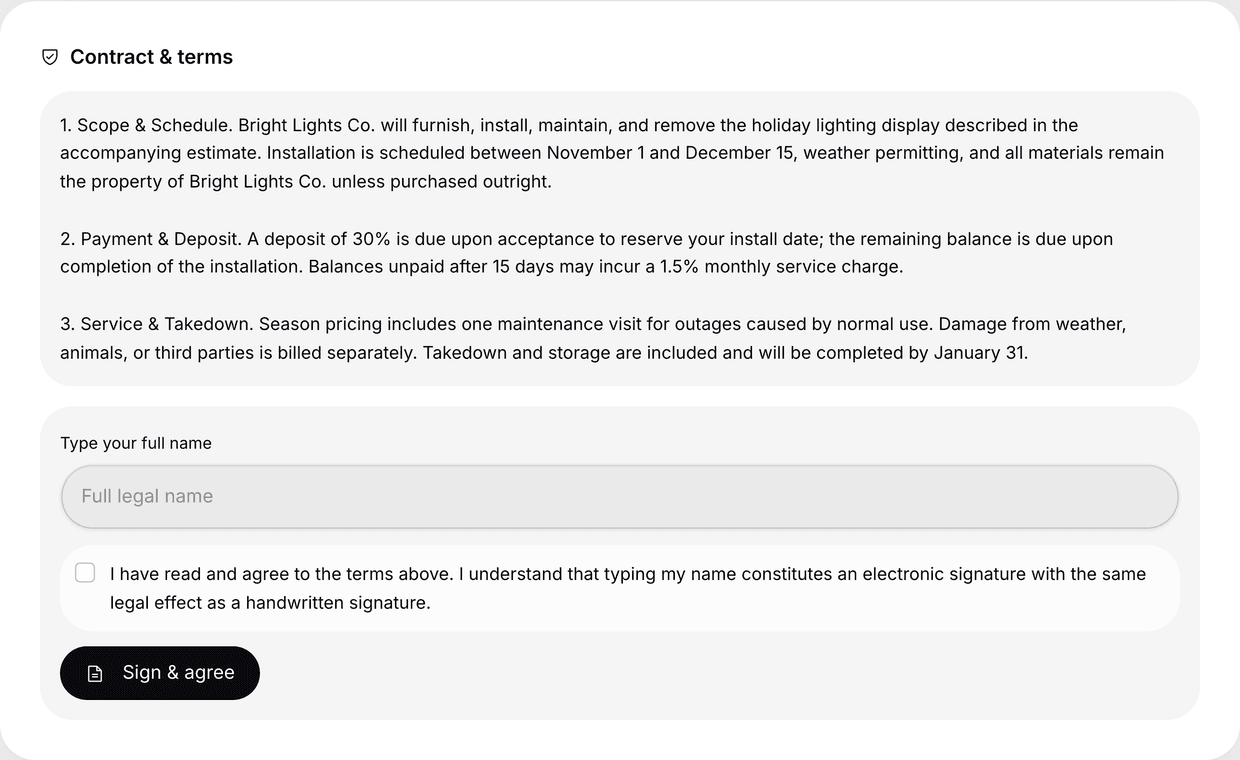
Homeowners accept a proposal, type-to-sign the contract as a legally binding signature, and pay the deposit through a Stripe-backed link — all in one guided flow. No printing, no scanning, no back-and-forth on who owes what.
End the phone tag for good
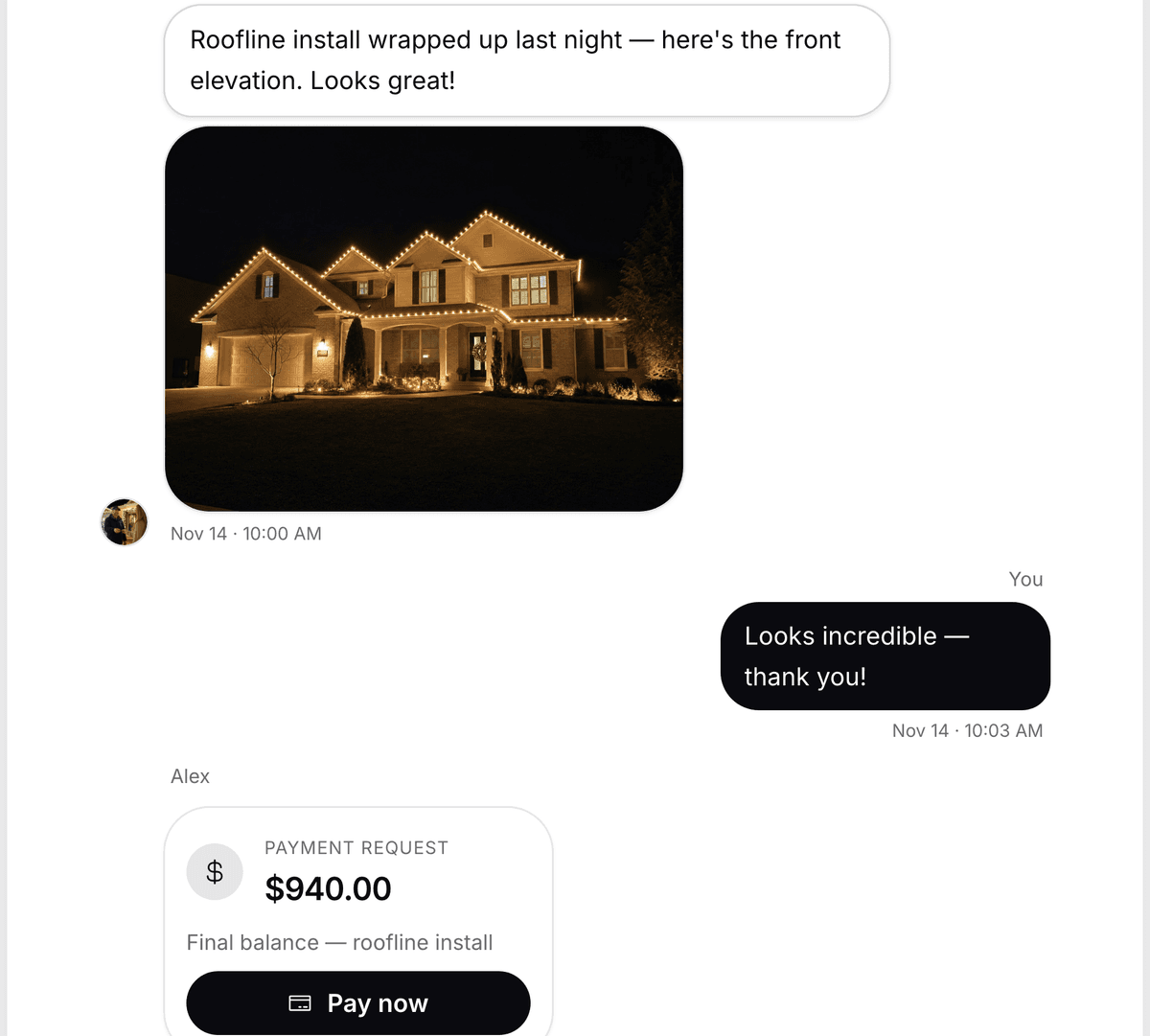
Live messaging with the office, including photo attachments from the customer and quote, invoice, and payment cards from you. New messages show up on their own and get marked as read, so the conversation stays in sync without anyone refreshing.
Every invoice, clearly labeled
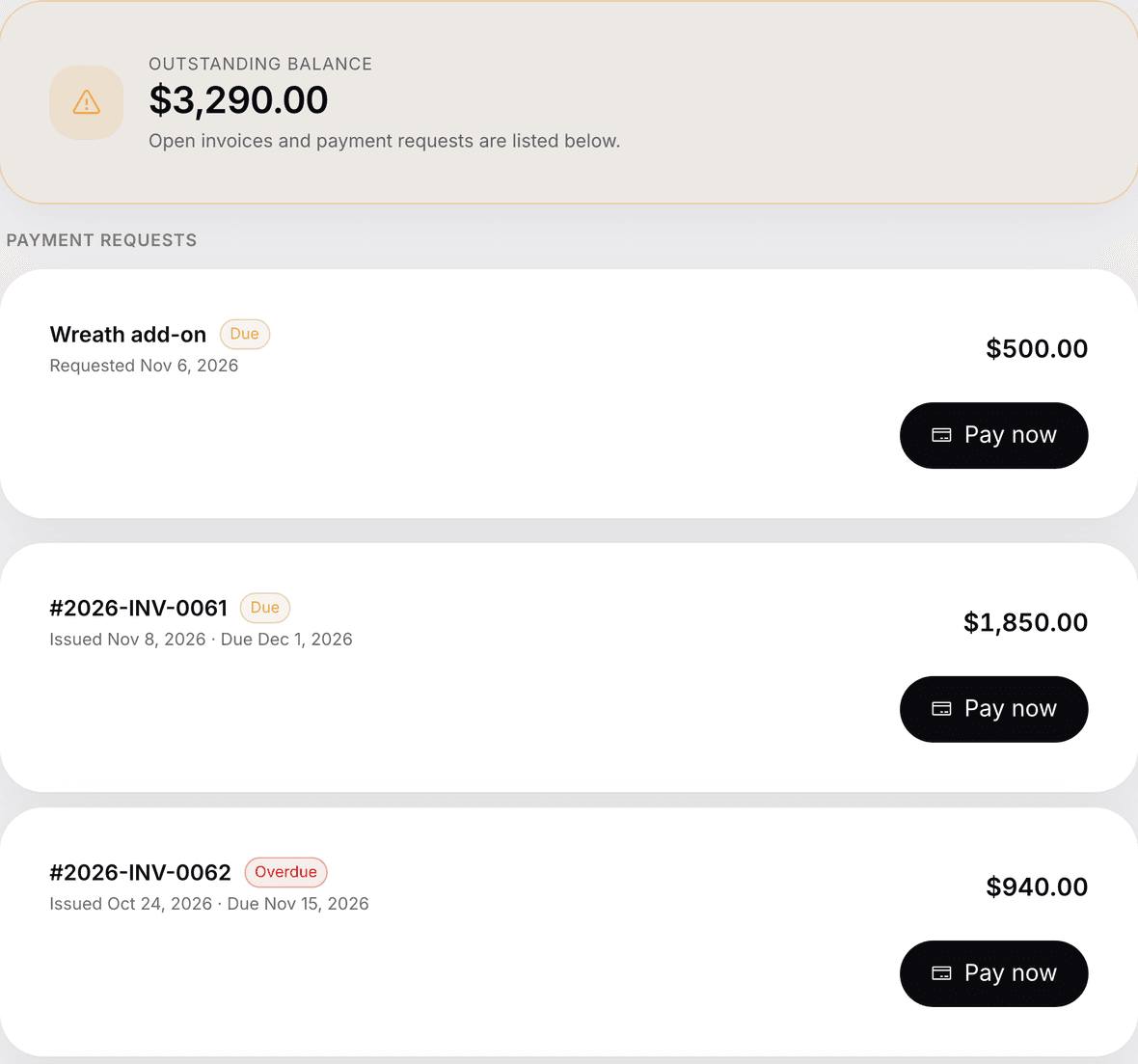
A payments tab shows the outstanding balance and classifies each invoice as Paid, Due, Partially Paid, or Overdue — each with Pay Now and View Invoice links. Homeowners can settle up at 11pm without a single phone call.
They ask, you schedule — all tracked
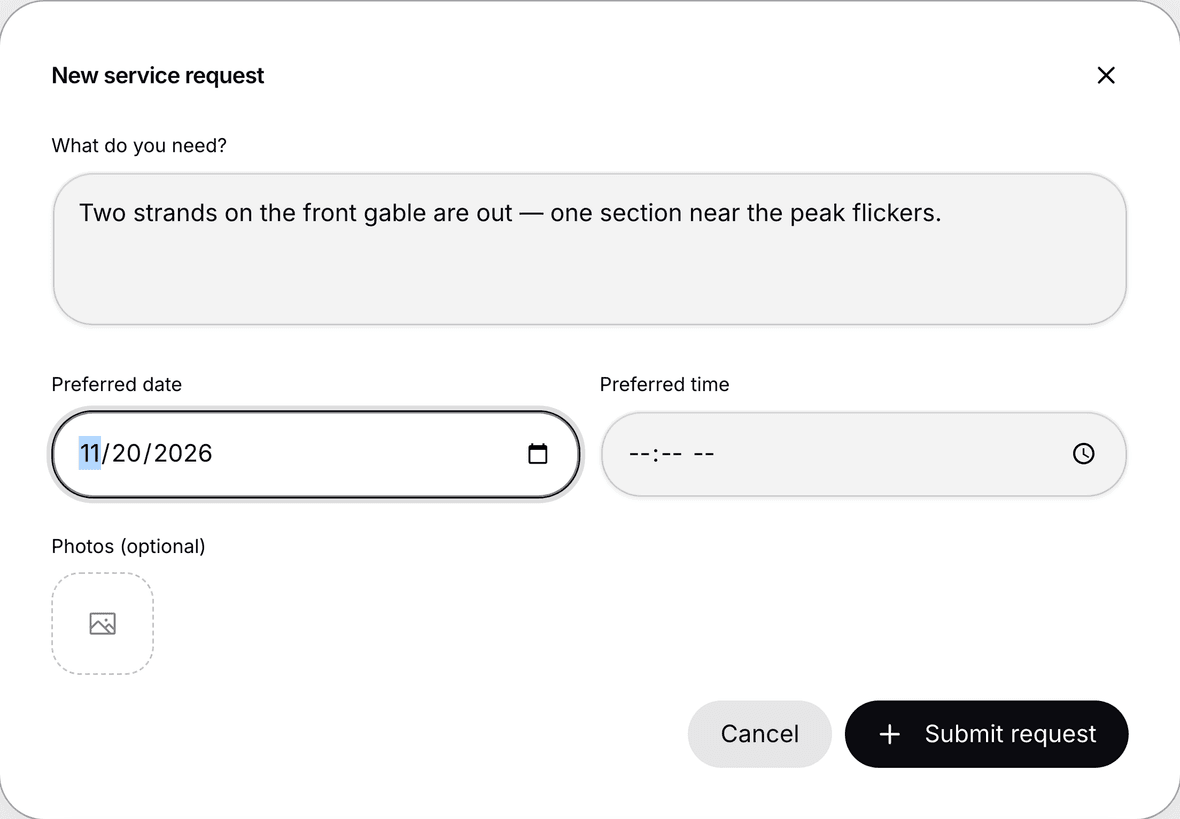
Customers file service requests with a short description, a preferred date and time, and up to 6 photos — your team triages each one internally. A single status keeps everyone aligned (Pending, Scheduled, Completed), so nothing falls through the cracks during the busiest weeks of the year.
They watch the job come together
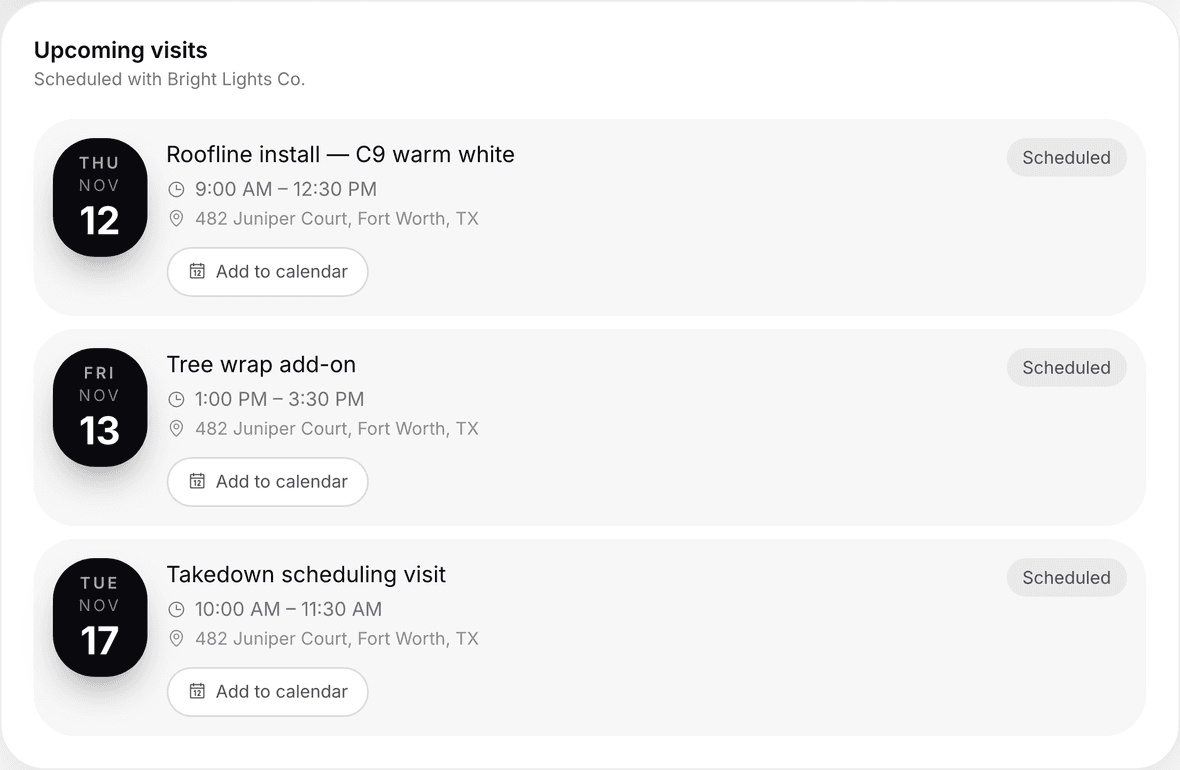
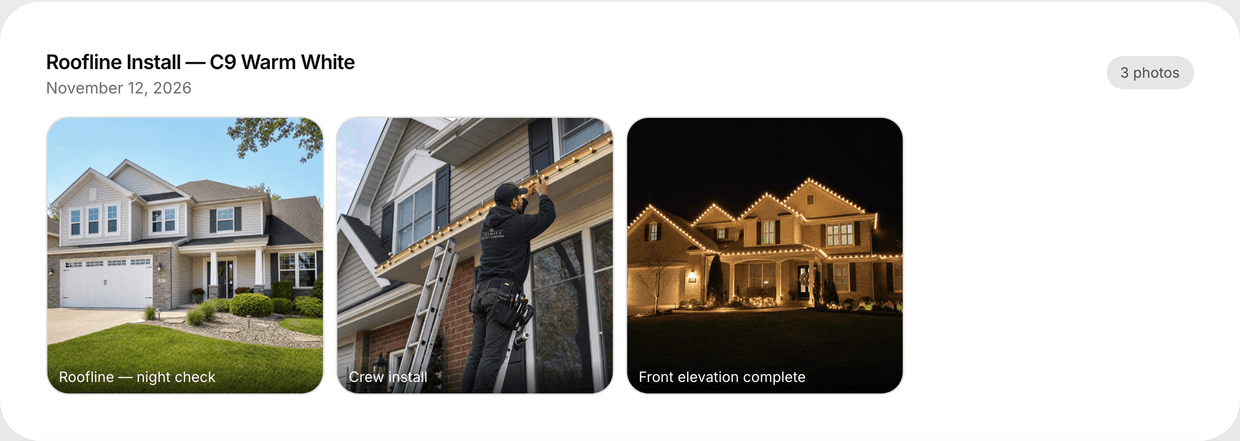
Install photos grouped by job sit alongside an Upcoming Visits panel — date, time window, address, and status. One contact with multiple properties gets an account switcher, and access is locked down so customers only ever see their own data.
Give every customer the enterprise treatment
The Client Portal is built into LightMaster — branded to your business, passwordless for your customers, and ready the day you sign up.